For the matters on your desk.
Aurora Bench reads every message in a custody record and surfaces the patterns — install once, use across every matter. You handle the AI account, so cases never leave your computer. Run when you need to; no Aurora-side gate.
The patterns buried in thousands of messages.
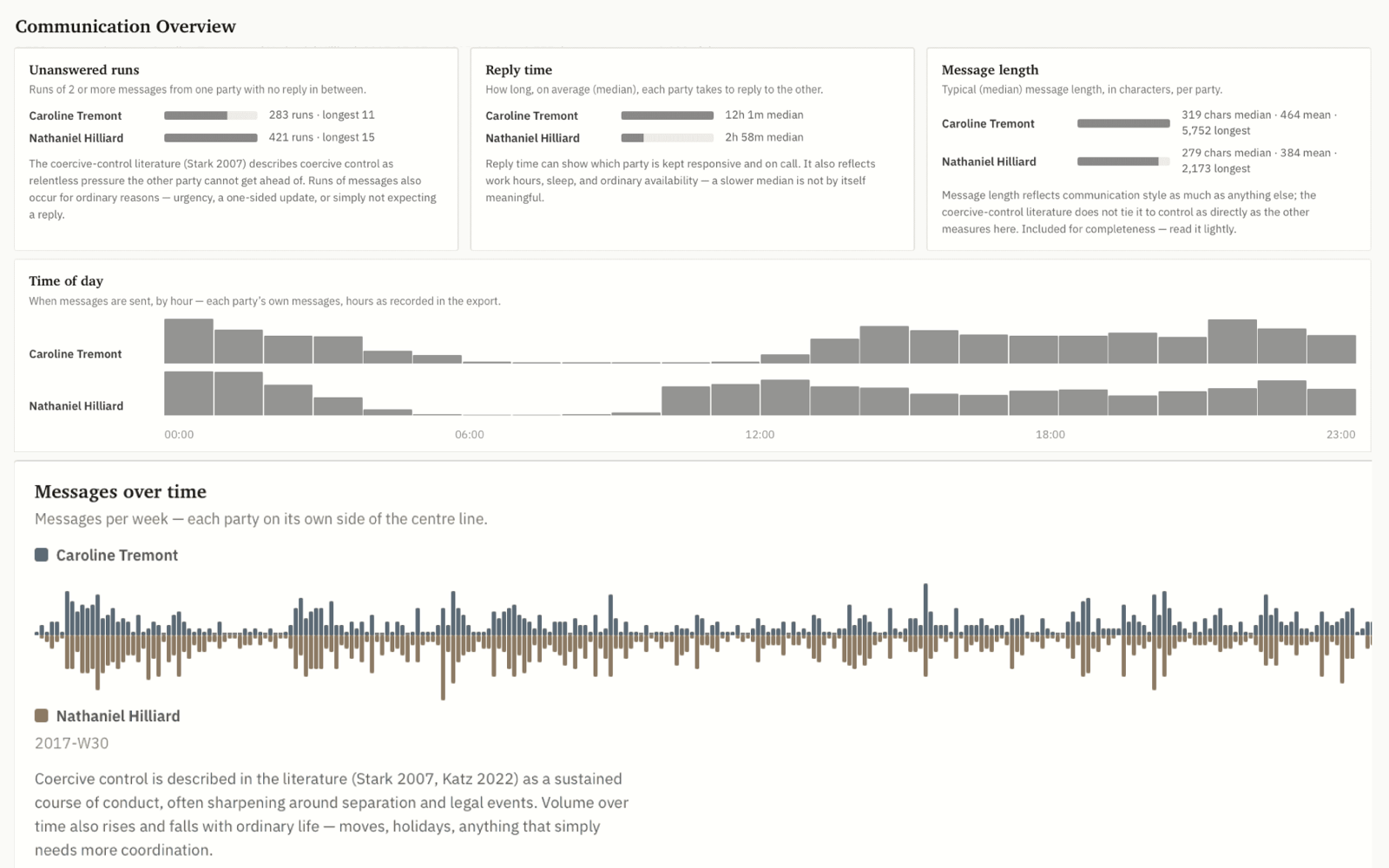
Years of correspondence, read in full. Aurora surfaces the coercive-control patterns that take weeks to find by hand — then shows you each one back to the message it came from, so you can check the work before you put your name on it.
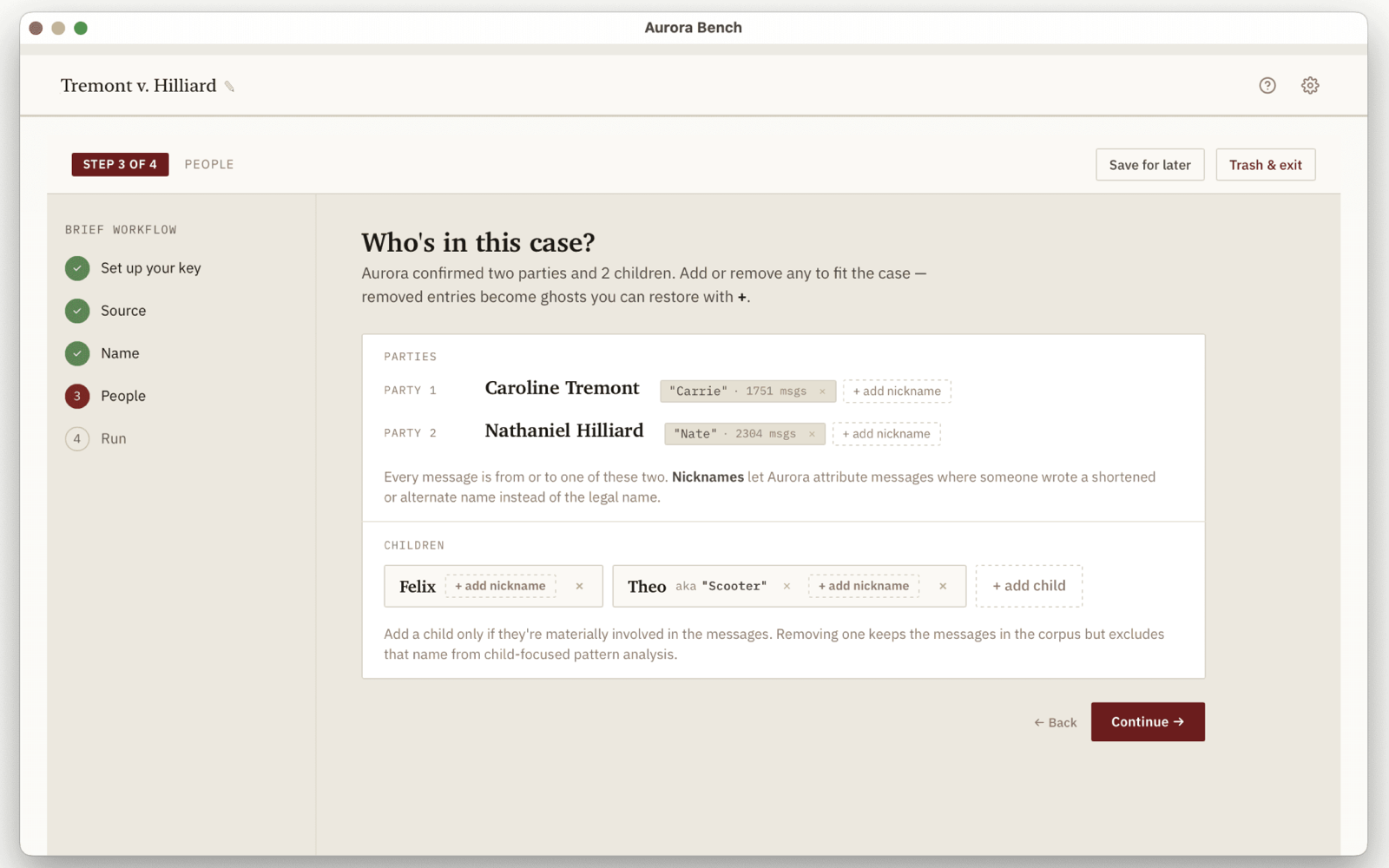
Your machine. Your account. Your case.
Cases never leave your device.
Aurora reads exports from OFW, Civil Communicator, iMessage, and others entirely on your machine. Nothing is uploaded to us. No copy of your record lives on our servers.
Your account, your invoice.
You set up an AI account once and pay the AI provider directly — we don't sit in the billing path. Cost depends on how many messages your record contains; expect $40–$80 for a multi-year co-parenting export.
Read, mark up, draft from.
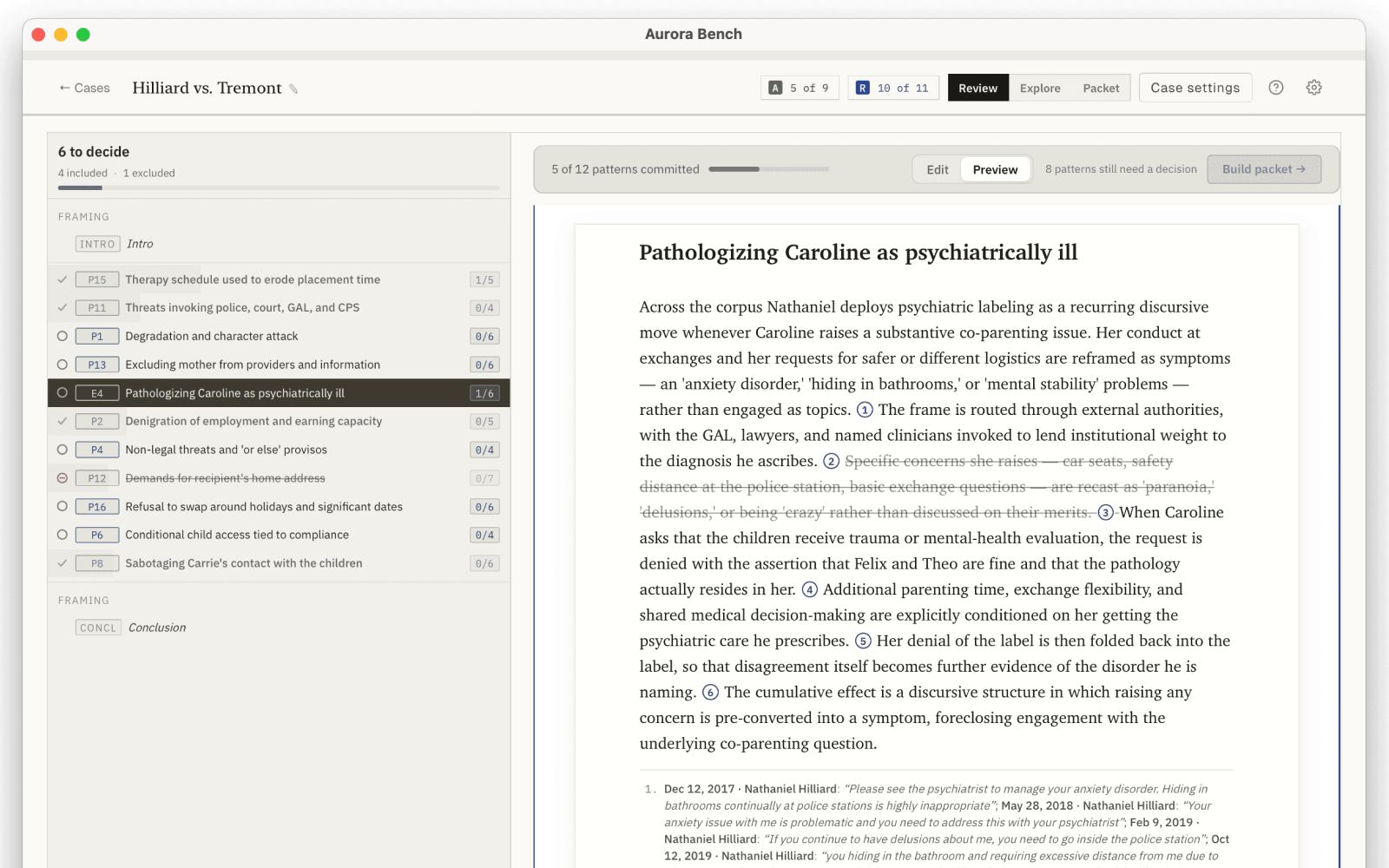
The cited brief opens inside a review notebook for active case prep — annotate patterns, gather citations, draft motions and filings without leaving the workspace. Aurora Cloud delivers the brief alone; Aurora Bench wraps it in the workflow around it.
Who it's for
For the cases on your docket.
- Family-law attorneys — brief in front of you, opposing record on the docket, a hearing the week after next.
- GALs and custody evaluators — reading both parents' message history to write a recommendation.
- Custody and forensic experts — testifying to patterns in the record without an exhibit-by-exhibit walk-through.
- DV advocates working multiple clients — quick triage of which records show the constellation.
Don't have an attorney? Aurora Cloud is for you →
How does Bench differ from Cloud?
Both run the same engine, the same pattern catalog, the same citation discipline. What changes is where it runs, who pays the model, and how much workflow lives around the output.
Same analysis. The patterns Aurora finds, the second-pass verification, and the citation discipline that grounds every claim in the source messages are identical across both products. The difference is the workspace, not the work.
See the brief
Download a sample analysis.
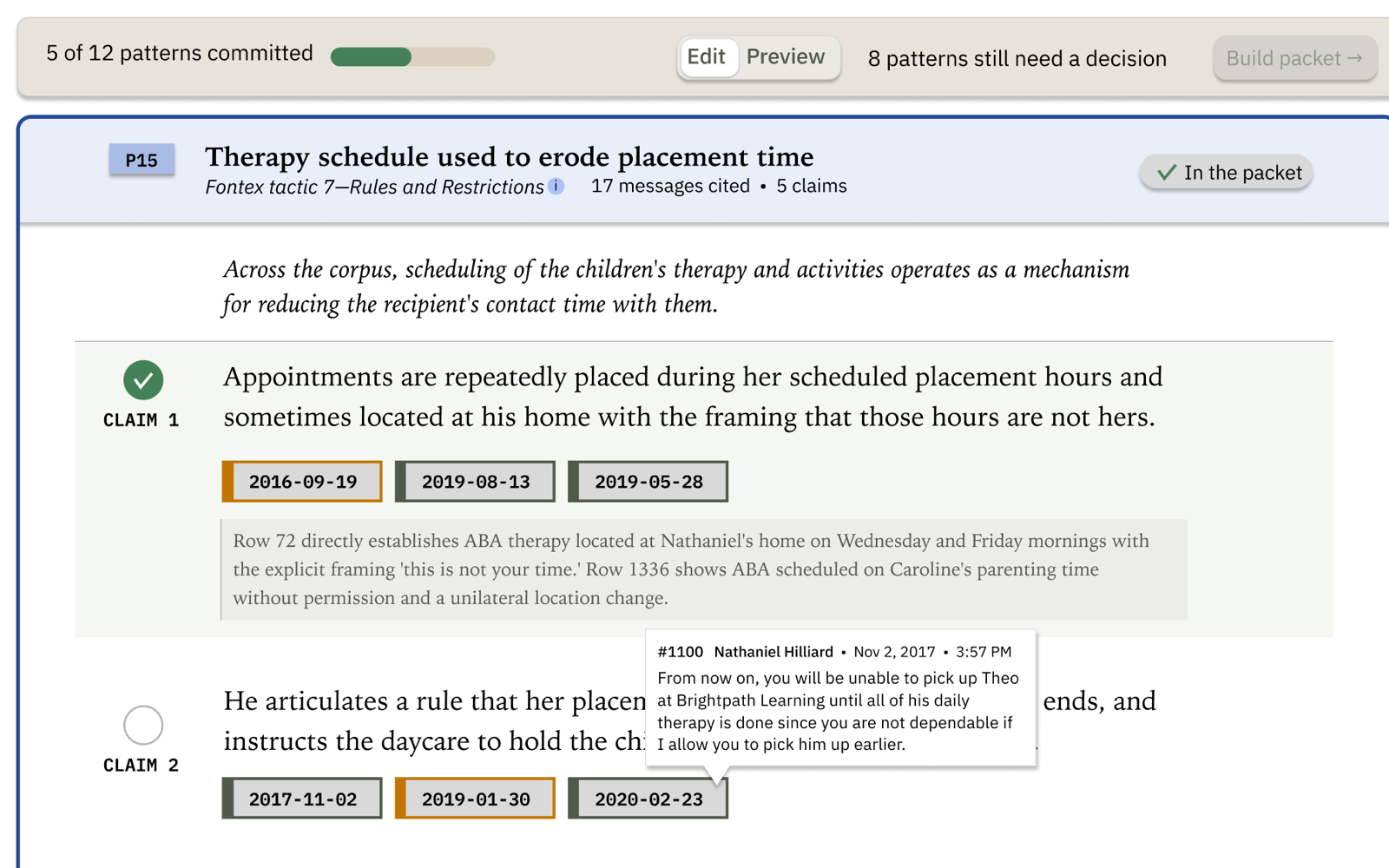
This is the cited brief Aurora produces — open it in any browser, click through the patterns, walk from a claim down to the message it cites. This sample is the Bench view: you'll also see the auditor's correction trail on each claim and the In/Out curation you use to assemble a filing. (Explore — the cross-pattern search — lives in the desktop app.)
Prefer to run it in the cloud?
Aurora Cloud is open to professionals too. If you'd rather not install software or set up an AI account, apply for Aurora Cloud and run it in your browser.